Digital Signatures on Invoices: Complete Guide for Freelancers (2026)
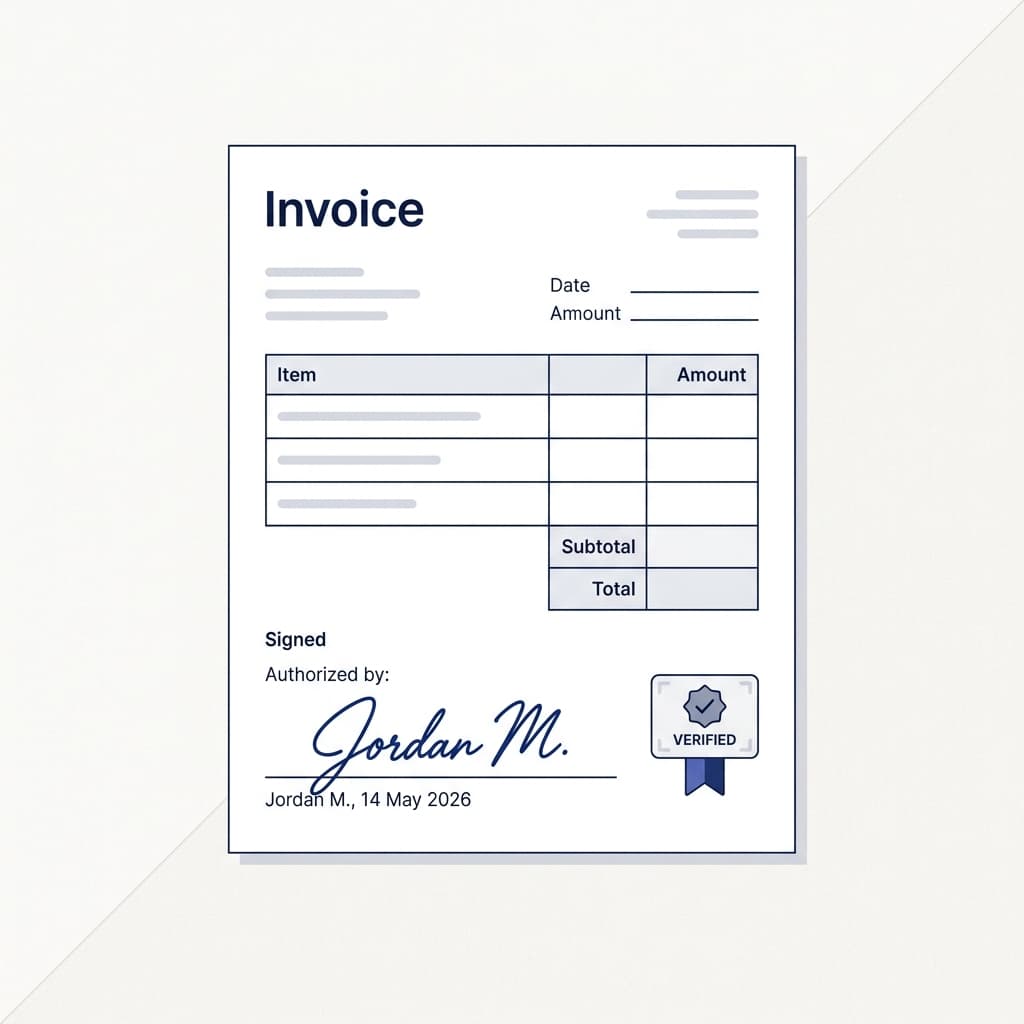
Sign your documents digitally without third-party tools. Learn how built-in e-signatures make your invoices more professional and legally binding.
Why Digital Signatures Matter
In 2026, digital signatures are the standard for business documents. They add legitimacy, create a professional impression, and in many jurisdictions carry the same legal weight as handwritten signatures.
Benefits of Signing Your Documents
- Professionalism: A signed invoice looks more legitimate and trustworthy than an unsigned one.
- Legal protection: Signed quotations and proposals create a clear record of agreed terms.
- Faster approvals: Clients can accept and sign proposals digitally without printing, scanning, or mailing.
- No extra tools needed: SuiteZai includes built-in signature functionality — no DocuSign or Adobe Sign subscription required.
How to Add Signatures in SuiteZai
- Draw your signature: Use your mouse, trackpad, or finger (on mobile) to draw your signature directly in the editor.
- Upload an image: If you have a signature image (PNG with transparent background), upload it directly.
- Place on document: Position your signature where you want it to appear on the final PDF.
- Save for reuse: Your signature is saved locally so you don't need to redraw it for every document.
When to Use Digital Signatures
- Proposals: Always sign your proposals. It shows commitment and professionalism.
- Quotations: Sign quotes for large projects to add authority.
- Invoices: Optional but recommended, especially for new client relationships.
- Contracts: Essential — both parties should sign any contractual agreement.
Legal Considerations
Digital signatures are legally recognized in most countries under laws like:
- ESIGN Act (USA): Electronic signatures are legally valid for most business transactions.
- eIDAS Regulation (EU): Provides a framework for electronic signatures across Europe.
- IT Act (India): Section 5 recognizes electronic signatures as legally valid.
For most freelance work and small business transactions, a simple digital signature is sufficient. High-value contracts or regulated industries may require advanced or qualified signatures.
Signature Tips
- Use a stylus or your finger on a tablet for the most natural-looking signature
- Keep it clean — a messy signature looks unprofessional in digital format
- Use a dark color (black or dark blue) for maximum visibility on printed documents
- Include your name printed below the signature for clarity
Sign Your First Document
Open any document in SuiteZai, add your digital signature, and download a professionally signed PDF. No third-party tools, no extra cost.