How to Create Invoices from Screenshots in 2026
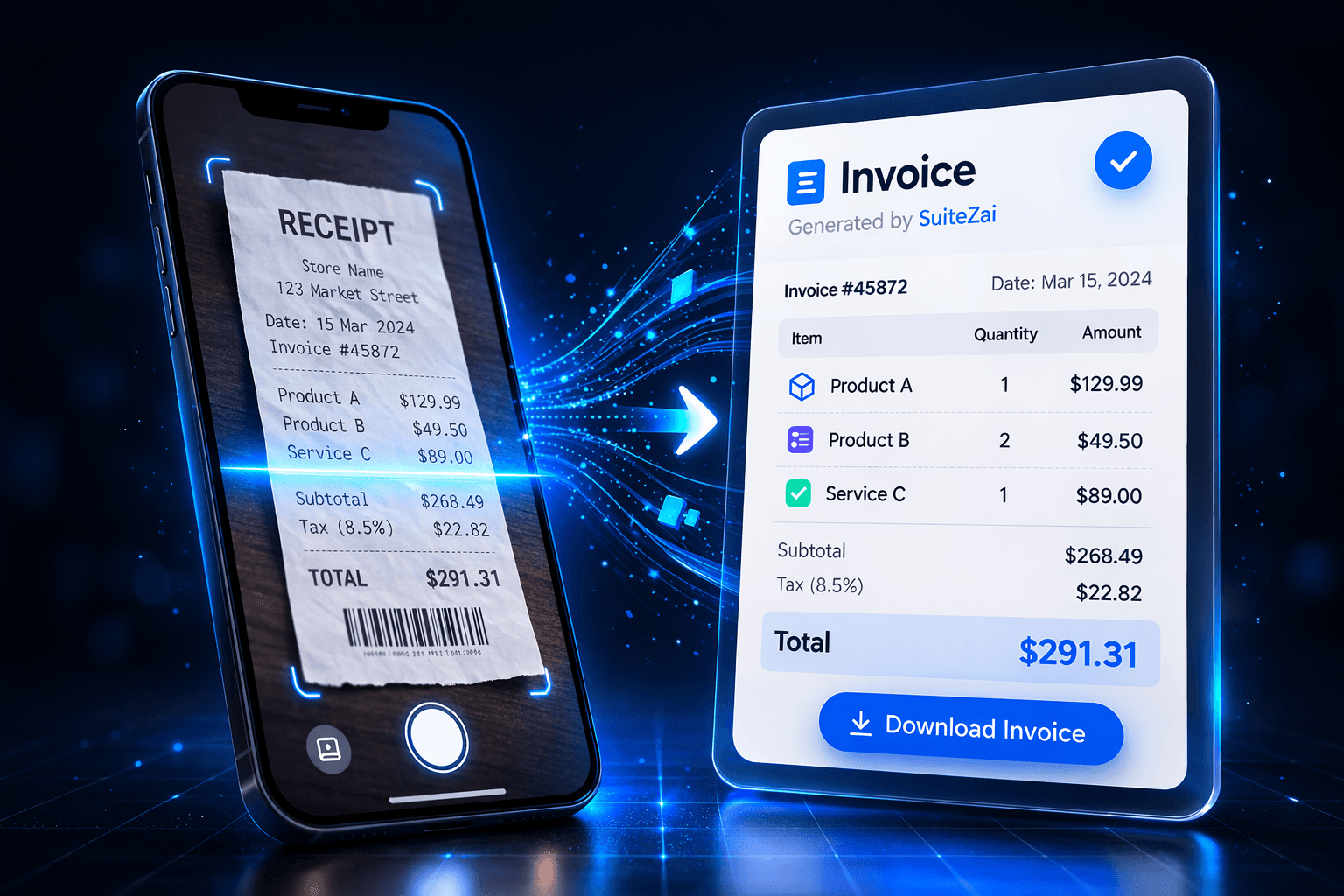
Transform any invoice photo into editable data in seconds. Learn how AI-powered OCR scanning revolutionizes invoice creation for freelancers and small businesses in 2026.
The Future of Invoicing is Here
In 2026, manual data entry is a thing of the past. With the rise of AI-powered Optical Character Recognition (OCR), you can now create professional invoices directly from screenshots, photos, or PDF scans. This technology is a game-changer for freelancers and small businesses who want to save time and reduce errors.
Why Use AI Invoice Scanning?
- Speed: Convert a photo to a digital invoice in under 5 seconds.
- Accuracy: Modern AI models deliver high accuracy in text recognition, even with varied fonts and layouts.
- Convenience: Snap a picture of a receipt or old invoice and let the AI do the rest.
Step-by-Step Guide
- Upload Your Image: Click on the "AI Scanner" button in SuiteZai.
- AI Processing: Our advanced AI analyzes the image, identifying dates, line items, prices, and business details.
- Review and Edit: The data is automatically populated into the invoice form. You can review and make any necessary adjustments.
- Download or Send: Once satisfied, download your professional PDF invoice or send it directly to your client.
Best Practices for Scanning
To ensure the best results, make sure your image is well-lit and the text is legible. Avoid blurry photos or low-resolution screenshots. SuiteZai's AI is trained to handle various formats, including handwritten notes, but clear typed text yields the fastest results.
Conclusion
Embrace the power of AI in 2026. Stop typing and start scanning with SuiteZai's free AI Invoice Scanner.