OCR Receipt Scanning: Turn Any Photo into a Professional Invoice (2026)
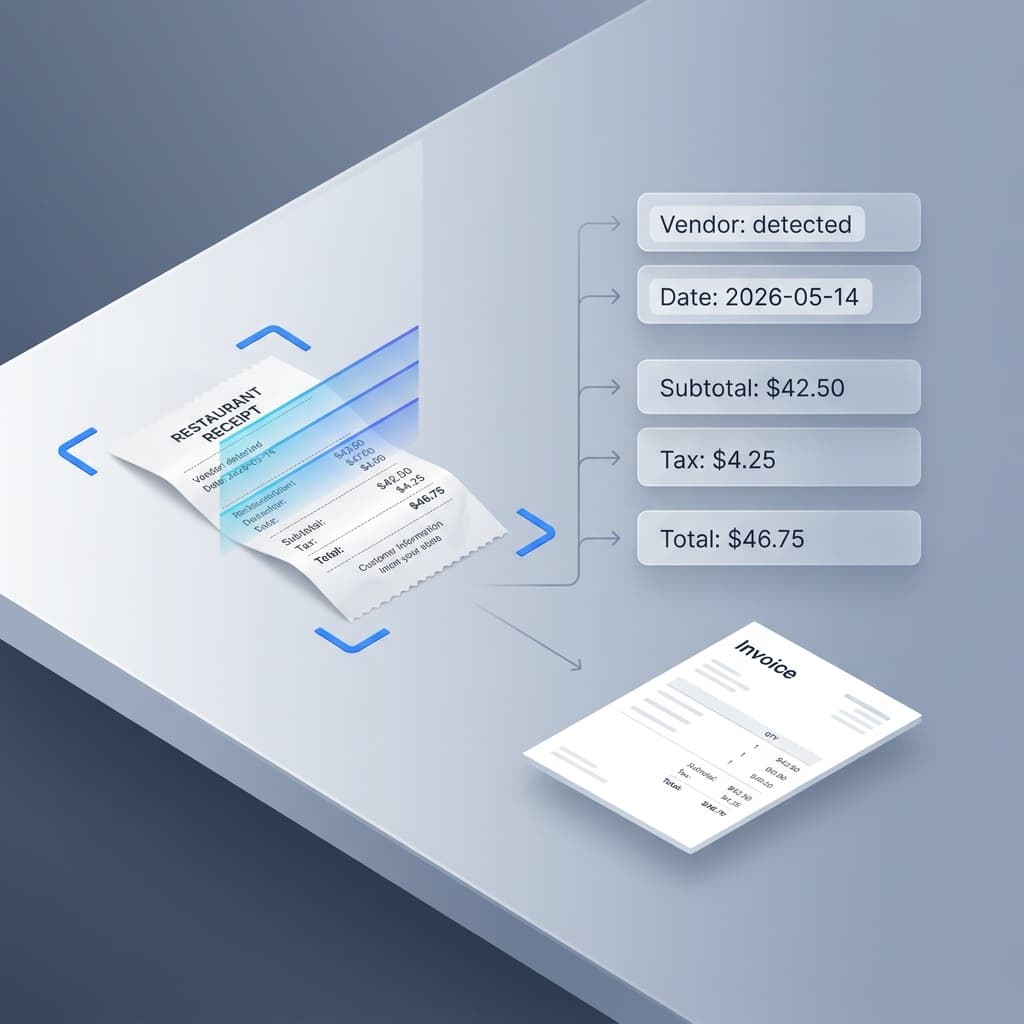
Photograph any receipt or document and watch AI extract all the data. Learn advanced OCR tips for faster, more accurate invoice creation.
How OCR Invoice Scanning Works
Optical Character Recognition (OCR) is an AI technology that reads text from images. SuiteZai's OCR scanner goes beyond basic text recognition — it understands the structure of business documents and can identify specific fields like vendor names, dates, amounts, and line items.
What the AI Extracts
When you upload a receipt or invoice image, the AI identifies and extracts:
- Business details: Vendor name, address, phone number, email
- Document info: Invoice number, date, due date
- Line items: Description, quantity, unit price for each item or service
- Financial data: Subtotal, tax amounts, discounts, total due
- Payment info: Bank details, payment terms, reference numbers
Supported Document Types
SuiteZai's OCR scanner works with:
- Receipts: Restaurant receipts, store receipts, online order confirmations
- Invoices: PDF invoices, printed invoices, handwritten invoices
- Quotations: Price quotes from vendors or suppliers
- Screenshots: Screenshots of orders, payment confirmations, or billing pages
Step-by-Step: From Photo to Invoice
- Capture: Take a photo of the receipt/document or select an existing image from your device.
- Upload: Click the "AI Scanner" button in SuiteZai and upload your image.
- Processing: The AI analyzes the image in seconds, identifying all relevant data fields.
- Review: Extracted data is automatically populated into the invoice form. Review for accuracy.
- Adjust: Make any necessary corrections — add missing items, fix amounts, or update details.
- Create: Choose a template, add your branding, and download the professional PDF.
Tips for Better Scanning Results
- Good lighting: Well-lit photos produce significantly better results. Avoid shadows across the document.
- Flat surface: Place the document on a flat surface. Creased or folded papers are harder to read.
- Full frame: Capture the entire document in the photo. Cropped edges mean missing data.
- Focus: Make sure the text is sharp and in focus. Blurry images reduce accuracy.
- Contrast: High contrast between text and background works best. Avoid colored or patterned paper if possible.
Common Use Cases
- Expense tracking: Photograph work receipts and create organized expense invoices.
- Vendor invoices: Scan a vendor invoice and quickly re-invoice your client with your markup.
- Old documents: Digitize paper invoices from your archives into professional digital formats.
- Mobile invoicing: Snap a photo on-site, create an invoice on your phone, and send it before you leave the job.
Privacy and Security
Your scanned images are processed by AI to extract text data, but the original images and extracted data are not permanently stored on our servers. The resulting invoice data stays in your browser's local storage.
Start Scanning
Try SuiteZai's AI OCR scanner with any receipt or document. Upload a photo and see the magic happen — no sign-up required.